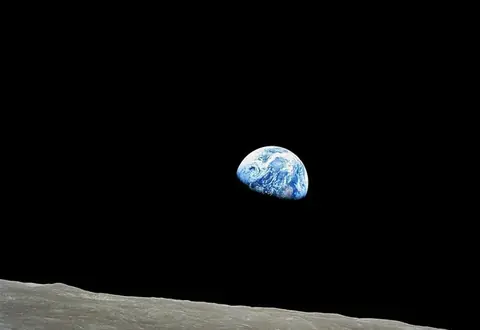
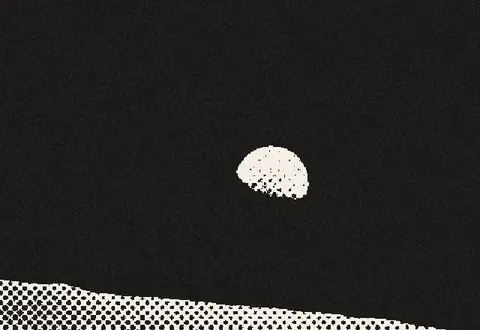
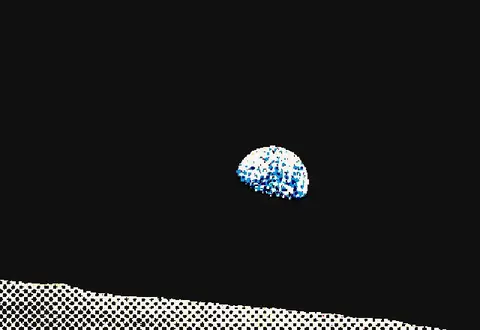
How to use it
Turn photos into classic halftone dot screens with adjustable dot spacing and screen angle — for posters, zines, screen printing and DTF.
- Upload a photo with good contrast.
- Adjust dot spacing and screen angle.
- Use contrast and threshold to control highlights and shadows.
- Download your halftone as PNG.
Frequently asked questions
What is a halftone?
A halftone reproduces tones with dots of varying size on a fixed grid — the technique behind newspaper photos, comics and screen-printed shirts.
Which screen angle should I use?
45° is the classic angle for single-color work because the eye notices the dot grid least at that angle.
Can I use it for screen printing or DTF?
Yes — export a high-resolution PNG (Pro) at your print size; for vector workflows use an ordered dither with SVG export.
Is it free?
Yes, with exports up to 1000px. Pro unlocks print-resolution files.
Are images uploaded?
No, everything runs locally in your browser.