How to use it
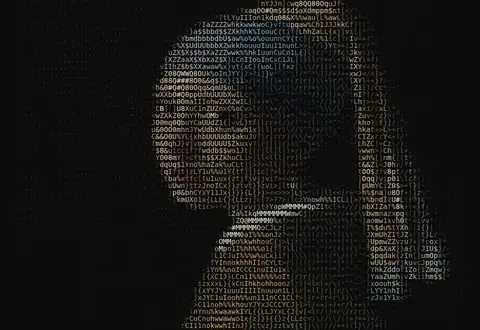
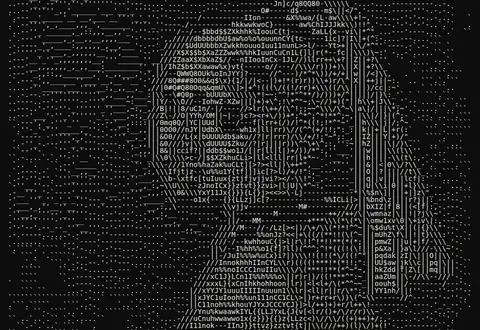
Turn any picture into text art with custom character sets, color or mono output and adjustable density — copy it anywhere or export PNG.
- Upload an image.
- Pick a character set and density.
- Toggle color, background and contrast.
- Copy as text or download PNG / HTML.
Frequently asked questions
How do I paste ASCII art into Discord, Reddit or code?
Click Copy as text, then paste inside a code block (```) so the platform uses a monospace font and keeps spacing.
What's the best density?
60–100 columns for chat and READMEs, 150+ for posters and PNG exports.
Can I use my own characters?
Yes — choose Custom and type a ramp from lightest to darkest.
Can I keep the colors?
Toggle Color for per-character color; export PNG (free) or styled HTML (Pro).
Is my image uploaded?
No, conversion happens entirely in your browser.