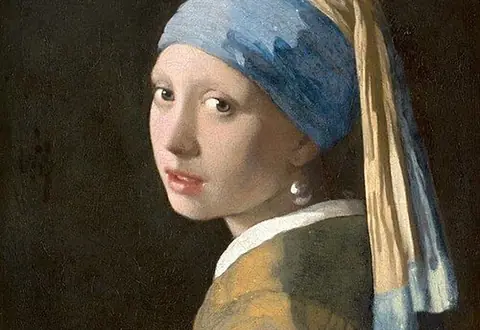

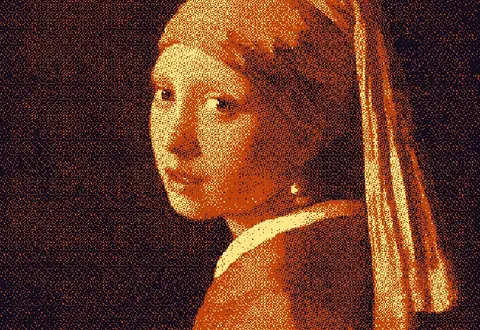
How to use it
Map brightness onto your own color ramp, then dither along it with diamond, halftone, Bayer or blue noise for clean duotones and tritones.
- Open an image.
- Choose the Diamond duotone or Tritone preset.
- Edit and reorder the gradient stops in the Color tab.
- Tune frequency and angle, then export.
Frequently asked questions
What is a gradient map dither?
Instead of matching each pixel to the nearest color, a gradient map sorts your colors from dark to light and dithers each pixel's brightness along that ramp. That gives clean duotone and tritone results with no stray hues.
How many colors can a gradient have?
Two for duotone, three for tritone, and up to 8 on Free. Pro removes the limit.
Which pattern looks best?
Diamond and halftone screens give a print feel, blue noise looks smooth and photographic, and Bayer looks retro.
Can I reorder colors?
Yes. Drag the swatches in the Color tab. Order defines the ramp.
Is it free?
Yes. Exports up to 1000px are free.