How to use it
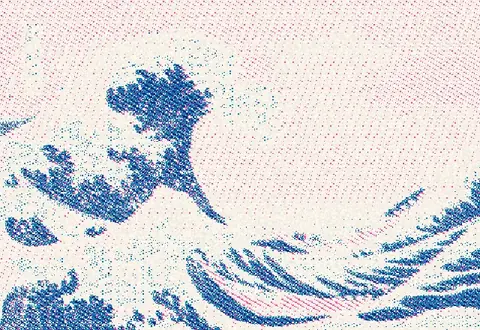
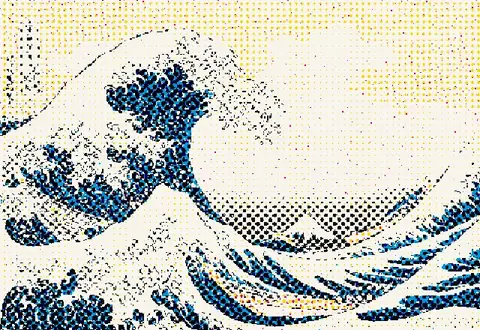
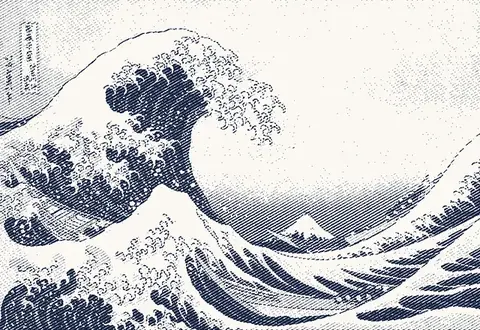
Split an image into ink layers, each with its own dither, screen angle and ink color. Preview the overprint live, then export print-ready layers.
- Open an image and start from the Riso or CMYK preset.
- Set each layer's source channel, ink, algorithm and angle.
- Nudge the offsets for misregistration and add paper grain.
- Export each layer as its own file (Pro).
Frequently asked questions
How does risograph color separation work here?
Each layer is one drum or ink. The layer takes a channel from your image (cyan, magenta, yellow, black or a single RGB channel), dithers it with its own algorithm and angle, then composites it in your chosen ink color with a multiply blend, just like overprinted ink.
Can I simulate misregistration?
Yes. Give each layer an X/Y offset of a few pixels and add paper grain for a printed feel.
Which riso inks are included?
Common inks such as Fluorescent Pink, Blue, Yellow, Teal, Red, Green, Orange, Purple and Black, plus any hex color you like. The on-screen colors are approximations.
How do I get print files?
Pro exports every layer as its own black-on-white PNG or SVG, ready to send to the printer.
Is it private?
Yes. Everything runs in your browser.