How to resize an image for a YouTube banner
Most banner problems come down to two things: the image isn't 16:9, or the text sits where YouTube crops it. This page fixes the shape and shows you the safe area before you upload.
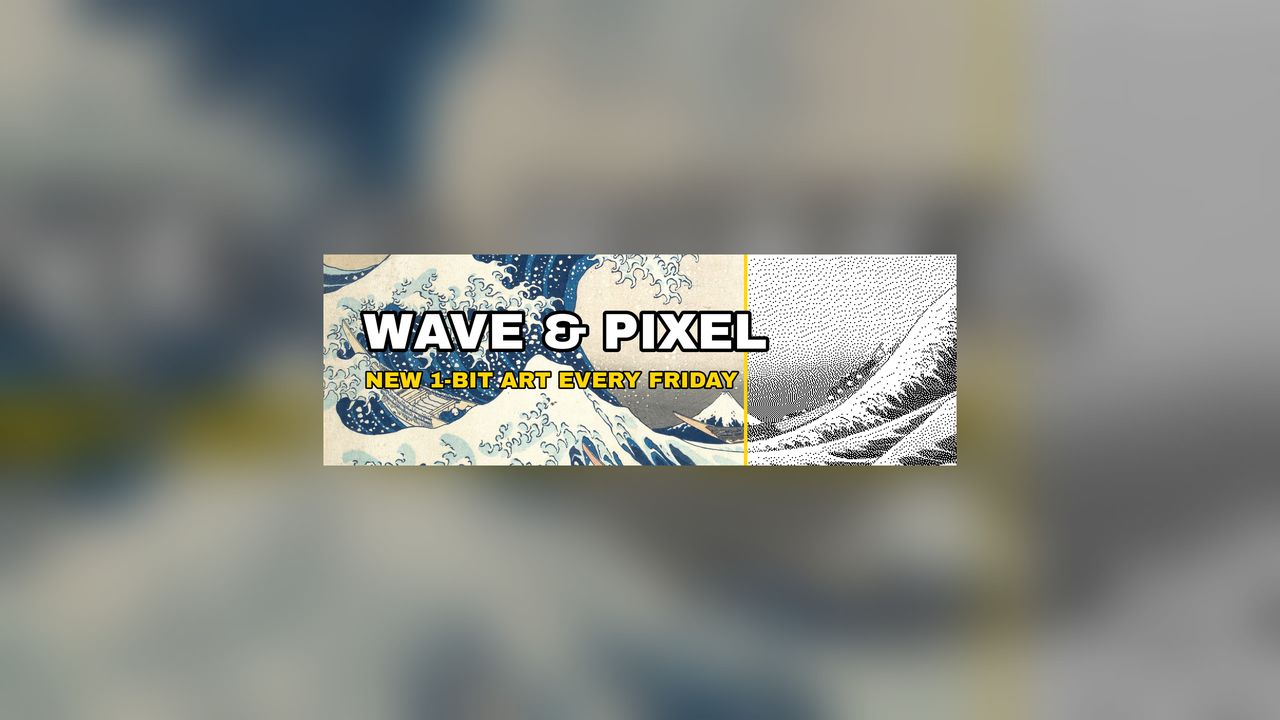
- Export your banner art as large as you can. A sample 2400×800 header is already loaded so you can see the result first.
- Drop your image here. Keep “Fit inside the safe area” if the image has text or a logo; choose “Crop to fill” if it is already a full 16:9 design.
- Check that everything important is inside the dashed safe-area box, and adjust the artwork size or crop position if not.
- Download the 2560×1440 banner (or both sizes as a ZIP).
- In YouTube Studio, go to Customization, then Profile, click Change next to the banner image, choose the file, click Done, then Publish.
YouTube banner requirements (October 2026)
| What | YouTube's guideline |
|---|---|
| Minimum size for upload | 2048×1152 px, aspect ratio 16:9 |
| Recommended size | 2560×1440 px (“especially for TV”) |
| Safe area for text and logos | 1235×338 px at the 2048×1152 minimum |
| File size | 6 MB or smaller |
| Cropping | The image fills the screen on larger devices but is cropped on certain views and devices |
| Don't add | Shadows, borders, frames or other “file embellishments” |
| Where it shows | The same banner is used on computer, mobile and TV, but it shows differently on each |
Source, checked October 23, 2026: YouTube Help, “Manage your channel branding” (computer, iPhone and Android versions give the same banner guidelines). Gridloom is not affiliated with YouTube or Google.
What “fits all devices” actually means
YouTube uses one 16:9 image for every screen and crops it differently on each. It does not publish a separate crop size for each device. What it does publish is the safe area: a centred 1235×338 px box at 2048×1152. That box is a little over 60% of the banner's width and under 30% of its height, so most of the image is decoration that some viewers will never see. A banner “fits all devices” when everything that matters (channel name, logo, upload schedule) sits inside that box.
That is why the default mode here doesn't crop. It shrinks your whole artwork until it fits inside the safe area, centres it, and fills the rest of the 16:9 canvas with a blurred copy of the same image (or a solid colour), so larger screens, which show more of the banner, get a full background instead of black bars. If your image is already a full 16:9 design with the important parts in the middle, use “Crop to fill” and check the dashed box.
2560×1440 or 2048×1152?
Both are 16:9 and both are accepted. 2048×1152 is the smallest image YouTube takes; 2560×1440 is what it recommends, especially for TV. Upload the 2560×1440 file unless you have a reason not to. Scaled up from YouTube's figure, the safe area at 2560×1440 is about 1544×423 px, centred (our calculation: the same 60.3% × 29.3% box). The template button downloads a transparent 2560×1440 PNG with that box marked, to lay over your design in Canva, Photoshop or Figma.
Banners rarely hit the 6 MB limit as JPG: the sample's 2560×1440 file is well under 1 MB at 95% quality. PNG is a different story. A detailed or photographic 2560×1440 PNG can go over 6 MB, so the tool flags it and suggests JPG.
How to change your banner
On a computer: sign in to YouTube Studio, select Customization, then Profile, click Change next to the banner image and choose your file. Adjust the crop in the preview, click Done, then Publish. In the YouTube app on iPhone or Android: tap your profile picture, open your channel, tap Edit, tap the banner image, choose your file and save. These are the steps on YouTube Help as of October 23, 2026.
How the resizer works
Your image is decoded in the browser and drawn onto a 2560×1440 and a 2048×1152 canvas. Large sources are halved step by step before the final resize, which keeps lettering crisp. For JPG, it looks for the highest quality between 95% and 50% that stays under 6,000,000 bytes. If an output is bigger than your source, the tool tells you it was enlarged. Enlarging can't add detail.
Making the rest of your channel art? The YouTube thumbnail resizer makes 16:9 thumbnails under 2 MB, the Twitch emote resizer handles emotes and badges, and the dither studio made the 1-bit half of the sample.
Frequently asked questions
What size is a YouTube banner?
YouTube recommends 2560×1440 px, especially for TV. The minimum is 2048×1152 px at 16:9, and the file must be 6 MB or smaller. Keep text and logos in the centred safe area, which is 1235×338 px at 2048×1152 (YouTube Help, checked October 23, 2026).
How do I make my YouTube banner fit all devices?
Put everything important inside the safe area: a centred box 1235×338 px at 2048×1152, or about 1544×423 px at 2560×1440. YouTube crops the rest differently on each device. This tool's default mode shrinks your whole image into that box and fills the remaining 16:9 space with a blurred background.
What is the YouTube banner safe area?
It is the centred part of the banner that YouTube says is safe for text and logos: 1235×338 px at the 2048×1152 minimum size. Anything outside it may be cropped on certain views and devices. Download the free template above to see it on a 2560×1440 canvas.
Why is my YouTube banner cropped or not fitting?
The banner must be 16:9, and YouTube crops it on certain views and devices. A 3:1 header made for another site, or text near the edges, gets cut off. Use “Fit inside the safe area” so the whole image sits in the part YouTube says is safe for text and logos.
Why won't YouTube accept my banner?
Check three things: it must be at least 2048×1152 px, it should be 16:9, and the file must be 6 MB or smaller. Both files this tool makes meet all three. A large PNG is the usual cause of a file over 6 MB; save it as JPG instead.
Can I use a 1024×576 or 1500×500 image?
Not as is. 1024×576 is half of YouTube's current 2048×1152 minimum, and 1500×500 is 3:1, not 16:9. This tool enlarges and reshapes either one into a valid 16:9 banner, but an enlarged image won't be sharper than the original, so export at 2560×1440 if you can.
What size is a YouTube profile picture?
YouTube says it renders at 98×98 px. It must be a JPG, GIF, BMP or PNG (no animated GIFs) and no more than 15 MB (YouTube Help, checked October 23, 2026).
Are my images uploaded?
No. Everything runs in your browser with the Canvas API. Your image never leaves your device.
Is it free?
Yes. Both banner sizes, the ZIP and the safe-area template are free, with no signup and no watermark. Gridloom Pro adds batch mode, where you drop several images and get banners for all of them in one ZIP.