How to use it
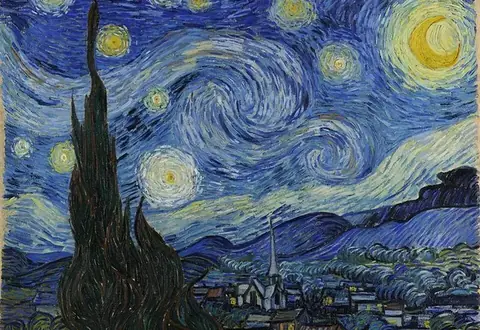
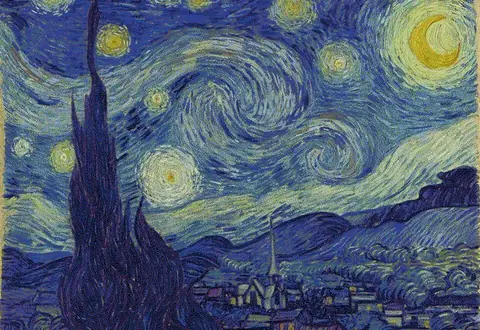
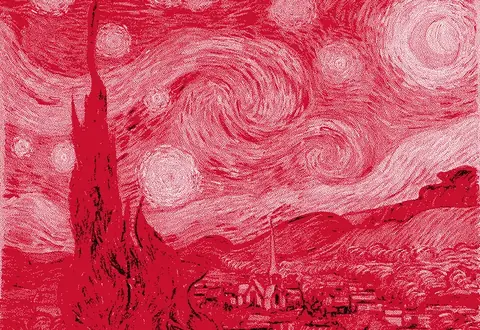
Prepare photos for e-paper displays at the exact panel resolution, dithered to black/white, tri-color or 7-color palettes.
- Open your photo.
- Load the palette your panel supports (B/W, B/W/Red or 7-color) in the Color tab.
- Pick an algorithm and match colors in OKLab.
- Export a PNG at your panel resolution.
Frequently asked questions
Which e-paper displays does this support?
Any display that accepts a dithered bitmap. Choose the matching palette: black/white, black/white/red, or 7-color ACeP.
Why dither for e-ink?
E-paper panels can show only a few colors. Dithering arranges those colors so the eye blends them into gradients and photos.
Which algorithm is best for e-ink?
Floyd–Steinberg or Atkinson for photos; Bayer for UI and text-heavy images, because it doesn't shimmer between refreshes.
Is it free?
Yes. Exports up to 1000px are free, which covers most e-paper panels, and the 7-color palette is included.
Is my image uploaded?
No, everything happens locally.