How to do it
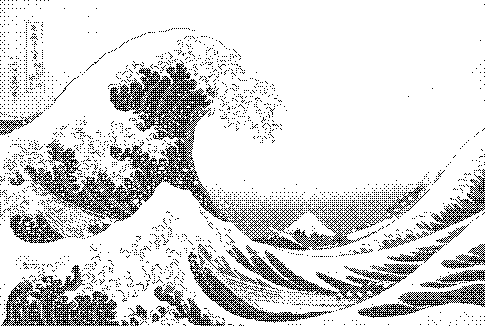
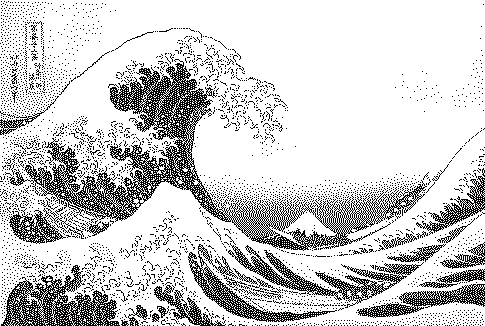
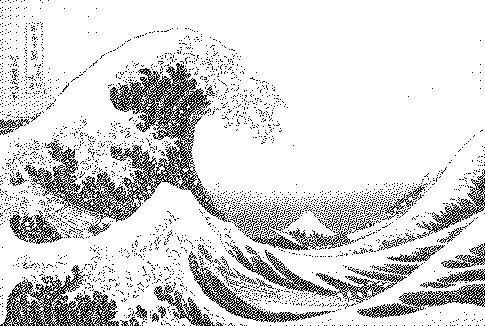
Turn a photo into a 4-shade Game Boy (DMG) picture — the green palette #0f380f · #306230 · #8bac0f · #9bbc0f with 4×4 Bayer dithering.
- Open or drop an image (a sample is preloaded).
- The preset above is already applied. Adjust contrast, palette and strength to taste.
- Compare with other algorithms from the Algorithm menu.
- Download PNG (free up to 1000px) or SVG/GIF with Pro.
Frequently asked questions
What are the Game Boy palette hex codes?
The commonly used DMG palette is #0f380f (darkest), #306230, #8bac0f and #9bbc0f (lightest). Gridloom also lets you edit them or import alternatives from Lospec.
What resolution was the Game Boy screen?
160 × 144 pixels. Set pixel scale to enlarge the result without blurring.
Can I make a Game Boy Camera style image?
Yes. Use the grey 4-shade palette instead of green, Bayer 4×4, and boost contrast; the Game Boy Camera used ordered dithering at 128×112.
Is my image uploaded?
No. The dither runs locally in your browser; nothing is sent to a server.
Is it free?
Yes. Every algorithm previews free and PNG exports up to 1000px are free with no watermark or signup. Pro ($5 for 30 days, USDC) adds print-resolution exports, SVG, GIF and video.