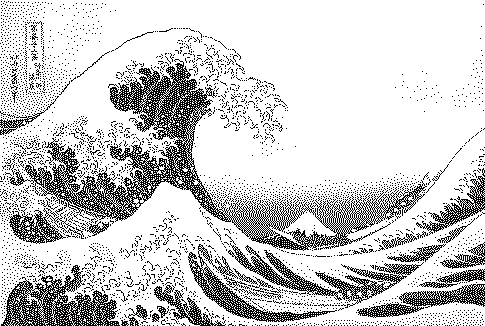
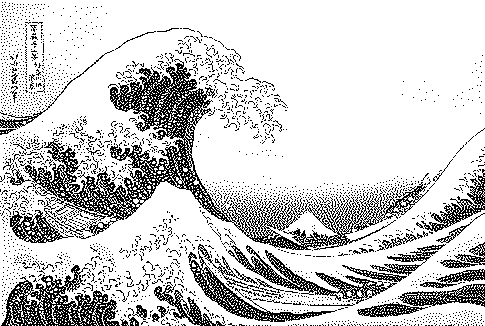
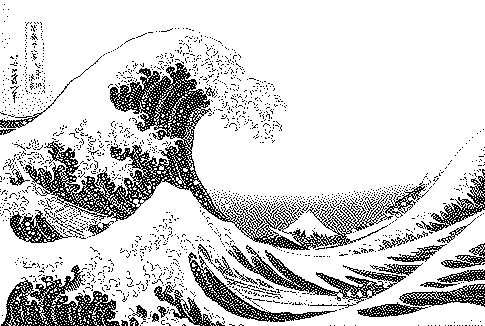
How to do it
Apply the classic 1976 error-diffusion algorithm to any photo, in 1-bit or your own palette, with serpentine scanning and adjustable strength.
- Open or drop an image (a sample is preloaded).
- The preset above is already applied. Adjust contrast, palette and strength to taste.
- Compare with other algorithms from the Algorithm menu.
- Download PNG (free up to 1000px) or SVG/GIF with Pro.
Frequently asked questions
How does Floyd–Steinberg dithering work?
Pixels are processed left to right, top to bottom. Each pixel is snapped to the nearest palette colour, and the difference (the error) is added to four neighbours: 7/16 to the right, 3/16 below-left, 5/16 below and 1/16 below-right. Gridloom also offers serpentine scanning, which alternates direction each row to reduce diagonal 'worm' artifacts.
Floyd–Steinberg vs Atkinson: which should I use?
Floyd–Steinberg preserves all tonal information and gives smoother gradients. Atkinson diffuses only 75% of the error, so it looks crisper and more contrasty but loses detail in highlights and shadows.
Can I use Floyd–Steinberg with colour palettes?
Yes. Choose any palette (PICO-8, Game Boy, e-ink, or import from Lospec) and pick how colours are matched — OKLab usually gives the most natural result.
Is my image uploaded?
No. The dither runs locally in your browser; nothing is sent to a server.
Is it free?
Yes. Every algorithm previews free and PNG exports up to 1000px are free with no watermark or signup. Pro ($5 for 30 days, USDC) adds print-resolution exports, SVG, GIF and video.