How to do it
Load a video clip, pick a palette and a dither, and export a retro animated GIF — all in your browser.
- Open a short video (MP4/WebM) or image.
- Pick a palette — fewer colours give smaller files.
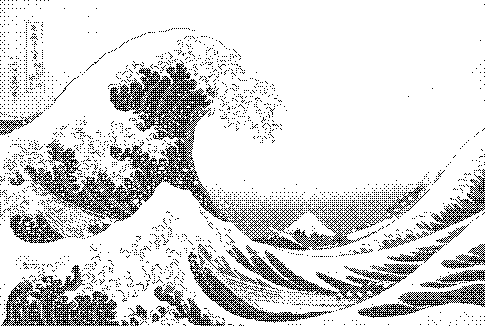
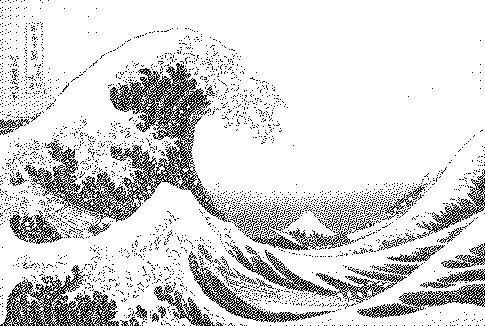
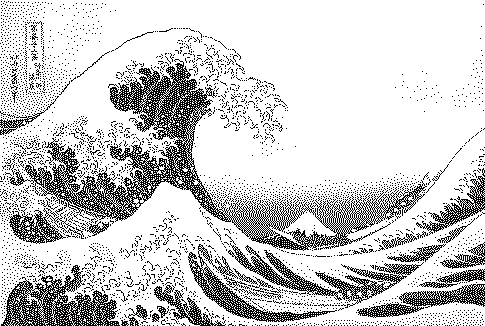
- Choose Bayer or blue noise for stable animation.
- Export animated GIF or WebM (Pro).
Frequently asked questions
Why does my dithered GIF flicker?
Error-diffusion dithers (Floyd–Steinberg) change pattern across the whole frame when anything moves. Switch to Bayer or blue noise, which keep each pixel's threshold fixed.
How many colours can a GIF have?
Up to 256 per frame. Retro looks often use 2–16, which also makes files much smaller.
Is GIF export free?
Live preview is free; animated GIF and WebM export are part of Pro.
Is my image uploaded?
No. The dither runs locally in your browser; nothing is sent to a server.