How to make a cross-stitch pattern from a photo
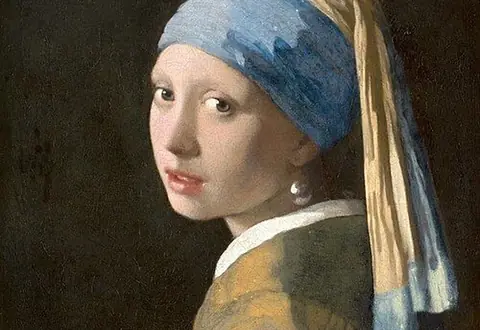
Good source photos have a clear subject, strong contrast and a simple background. Crop tightly before uploading — every stitch counts.
- Upload a photo (or try the built-in sample).
- Pick your fabric count and finished width in inches.
- Limit the number of DMC colors and toggle dithering for smoother shading.
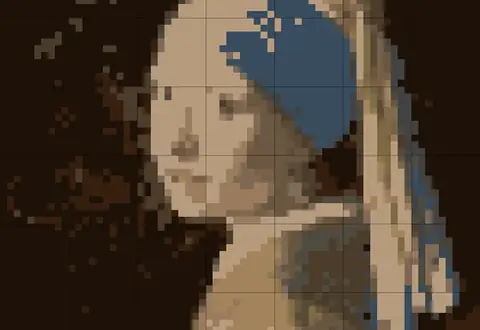
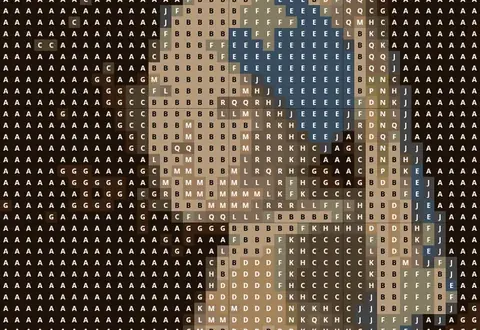
- Check the preview and color key, then download the printable PDF chart.
Reading your chart
Each square is one full cross stitch. Bold lines mark every 10 stitches so you can count quickly; the numbers along the edges help you find your place when a chart spans several pages. The key lists each symbol with its DMC number, color name and how many stitches use it.
Frequently asked questions
Is this cross-stitch pattern maker free?
Yes. Patterns up to 100 stitches wide with a full PDF chart and DMC key are free. Pro unlocks larger, print-resolution patterns.
Which floss brand does it use?
DMC stranded cotton. Colors are matched in CIELAB color space to approximate RGB values for each DMC number — always check against a physical color card for critical projects.
How do I choose the fabric count?
Higher counts give smaller stitches. A 7-inch-wide design is 98 stitches on 14-count Aida but 126 on 18-count. Beginners usually like 14-count.
Are my photos uploaded?
No. The pattern is generated entirely in your browser; the image never leaves your device.
What does dithering do?
It mixes neighbouring floss colors to imitate shades that are not in your reduced palette — great for portraits, but it creates more confetti stitches.