How to do it
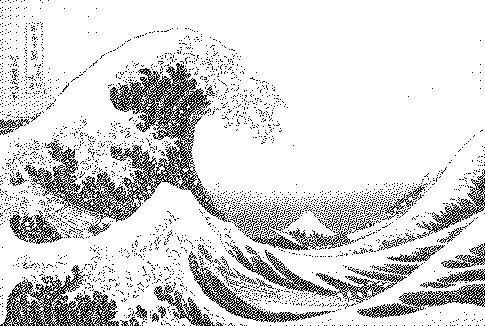
Organic, pattern-free dithering from a void-and-cluster threshold mask — the look used in modern games and shaders, stable across animation frames.
- Open or drop an image (a sample is preloaded).
- The preset above is already applied. Adjust contrast, palette and strength to taste.
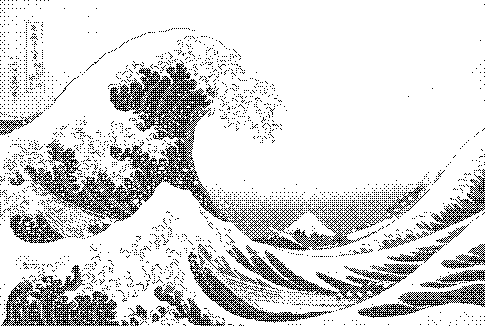
- Compare with other algorithms from the Algorithm menu.
- Download PNG (free up to 1000px) or SVG/GIF with Pro.
Frequently asked questions
Blue noise vs white noise?
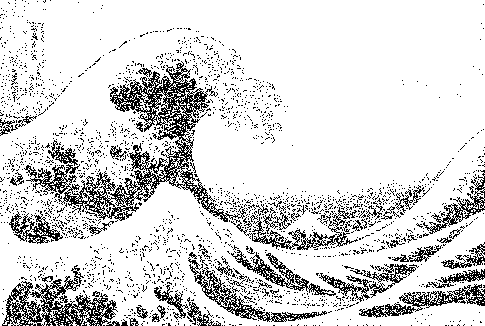
White noise thresholds are fully random, so dots clump and leave gaps. Blue noise has the same randomness but evenly spaced, which the eye reads as much smoother.
Blue noise vs Bayer?
Both are ordered dithers. Bayer shows a regular cross-hatch; blue noise looks organic with no pattern. Both animate without crawling.
Why do games use blue noise?
It hides quantization and sampling noise at a high spatial frequency that the eye tolerates well, and it is cheap to evaluate per pixel on a GPU.
Is my image uploaded?
No. The dither runs locally in your browser; nothing is sent to a server.
Is it free?
Yes. Every algorithm previews free and PNG exports up to 1000px are free with no watermark or signup. Pro ($5 for 30 days, USDC) adds print-resolution exports, SVG, GIF and video.