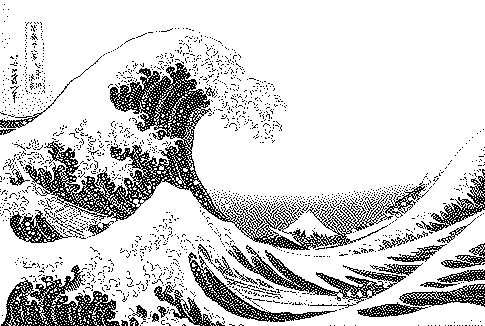
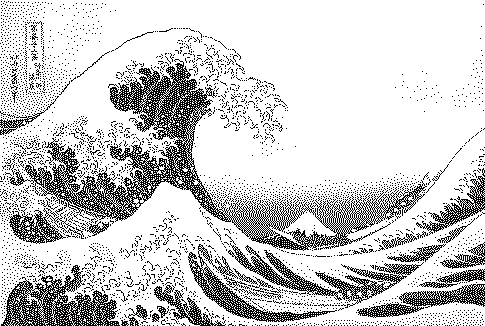
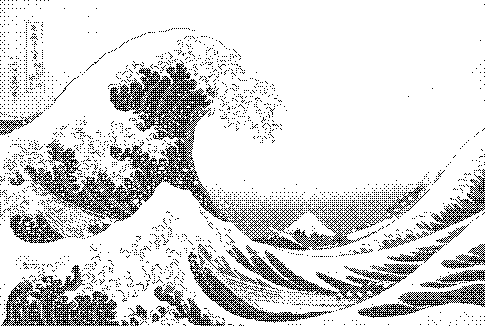
How to do it
Get the crisp, high-contrast 1-bit look of the original 1984 Macintosh — Bill Atkinson's algorithm, with live preview and full contrast control.
- Open or drop an image (a sample is preloaded).
- The preset above is already applied. Adjust contrast, palette and strength to taste.
- Compare with other algorithms from the Algorithm menu.
- Download PNG (free up to 1000px) or SVG/GIF with Pro.
Frequently asked questions
Why does Atkinson dithering look so crisp?
Because a quarter of the error is thrown away, small tonal differences near pure white or black are not propagated. Highlights stay clean white and shadows solid black, which reads as sharper.
Atkinson vs Floyd–Steinberg?
Use Atkinson for a retro, graphic, high-contrast look and for images with strong lines. Use Floyd–Steinberg when you need accurate tones in smooth gradients.
How do I get the classic Mac look?
Use a 1-bit black/white palette, Atkinson, a slight contrast boost and pixel scale 2. That is what this page loads by default.
Is my image uploaded?
No. The dither runs locally in your browser; nothing is sent to a server.
Is it free?
Yes. Every algorithm previews free and PNG exports up to 1000px are free with no watermark or signup. Pro ($5 for 30 days, USDC) adds print-resolution exports, SVG, GIF and video.