How to do it
Turn any photo into true 1-bit black and white — with real dithering instead of a hard threshold, so tones and detail survive.
- Open or drop an image (a sample is preloaded).
- The preset above is already applied. Adjust contrast, palette and strength to taste.
- Compare with other algorithms from the Algorithm menu.
- Download PNG (free up to 1000px) or SVG/GIF with Pro.
Frequently asked questions
Why not just threshold to black and white?
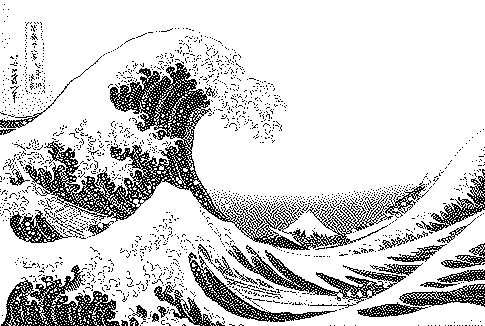
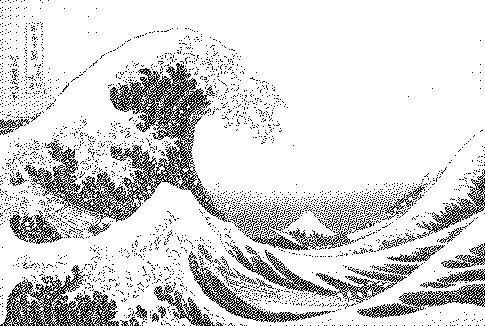
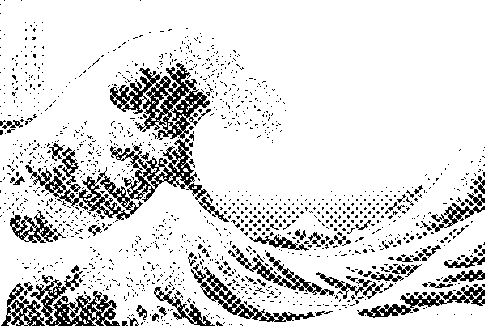
A hard threshold turns everything above 50% white and below black, losing all midtones. Dithering keeps the impression of greys by varying the density of black pixels.
Which algorithm is best for 1-bit?
Atkinson for a crisp graphic look, Floyd–Steinberg or variable-coefficient for the most faithful tones, blue noise for organic texture, and halftone for print.
Can I get a 1-bit SVG for laser engraving or a plotter?
Yes, with Pro: SVG export merges runs of black pixels into compact paths.
What is a 1-bit image used for?
E-paper displays, thermal printers, laser engraving, screen printing, Playdate games, retro Mac art and small icons.
Is my image uploaded?
No. The dither runs locally in your browser; nothing is sent to a server.
Is it free?
Yes. Every algorithm previews free and PNG exports up to 1000px are free with no watermark or signup. Pro ($5 for 30 days, USDC) adds print-resolution exports, SVG, GIF and video.